macOS menu-bar screenshot tool

Snip, mark up, and share — the Mac way.

Snipkin lives in your menu bar. Drag a region with the crosshair, click a window, grab the whole screen — or scroll through a long page and get it as one tall image. Every capture is copied to your clipboard automatically the moment you take it — ready to paste anywhere, no clicking a preview thumbnail first. A thumbnail waits in the corner too: one click opens the built-in markup editor. Built on Apple's ScreenCaptureKit. Nothing ever leaves your Mac.

1 Region 2 Window 3 Full screen 4 Scrolling
Capture → Edit → Share

From shortcut to shared, in one motion.

No app to switch to. A global shortcut starts it; a thumbnail finishes it. The whole loop takes a couple of seconds.

STEP 01

Capture

Hit 1 and drag the crosshair over any region, click a window, or grab the full screen. Or use 4, scroll through a long page, and get it all as one tall image. Multi-display aware, Retina-sharp.

STEP 02

Mark up

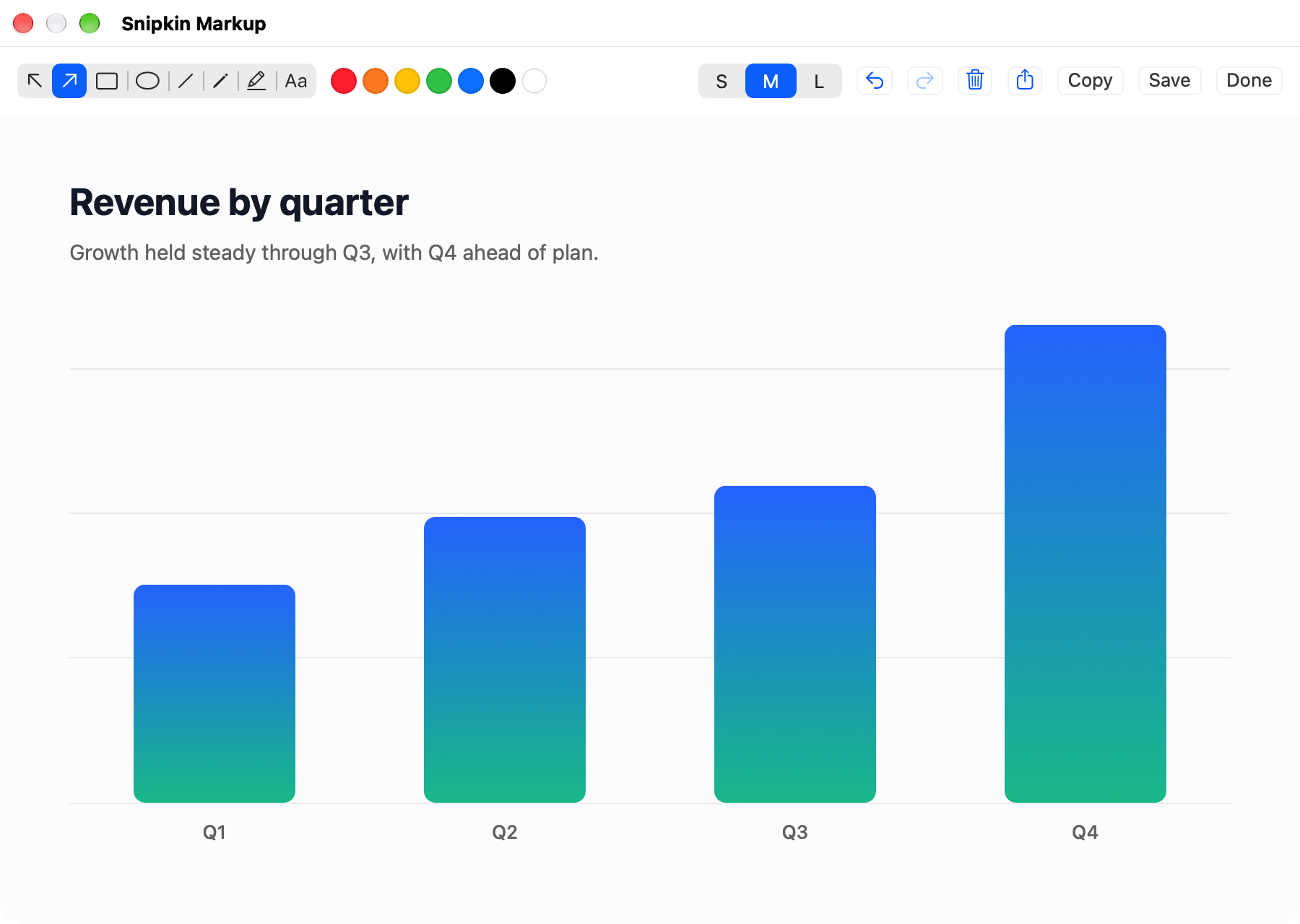
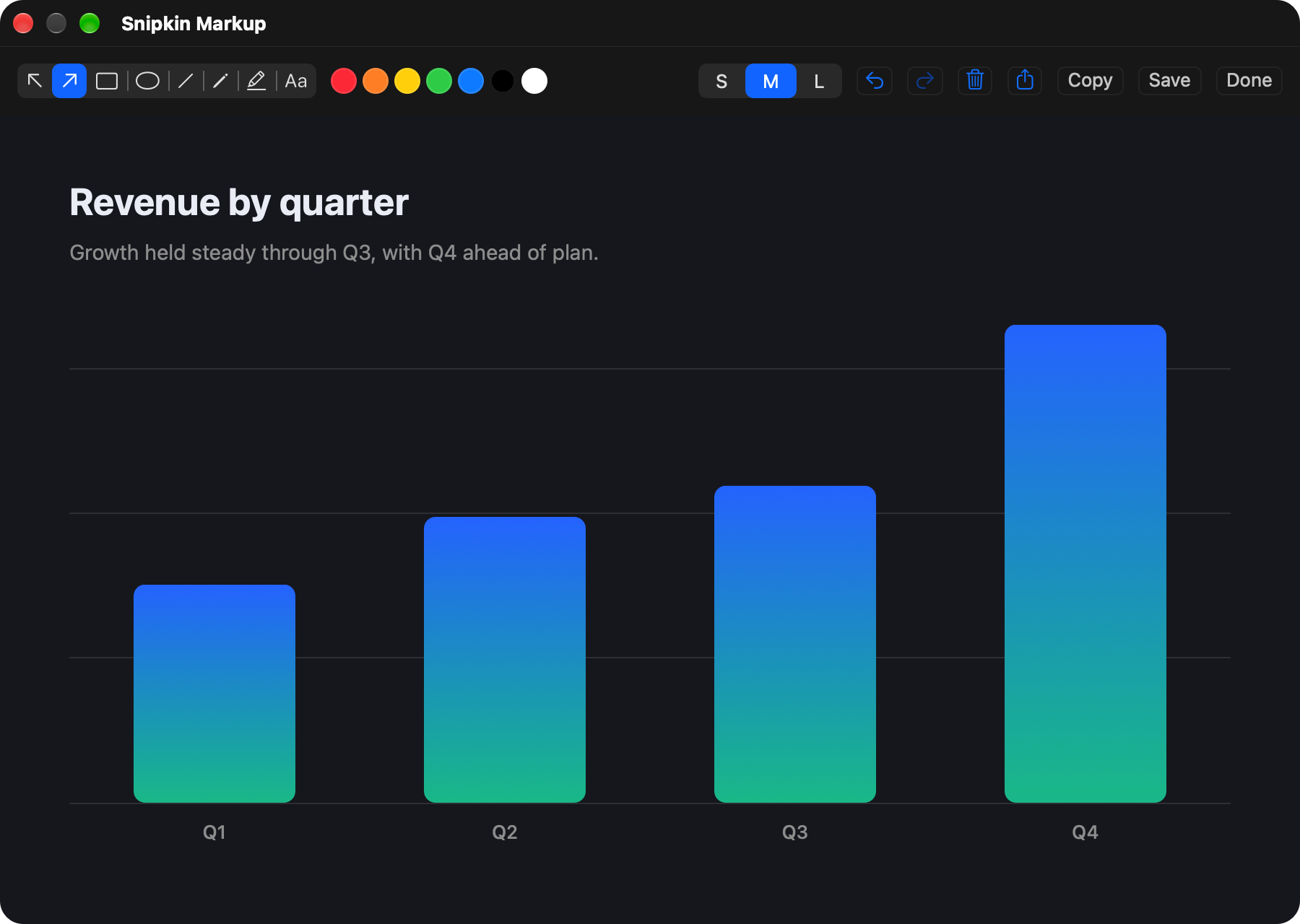
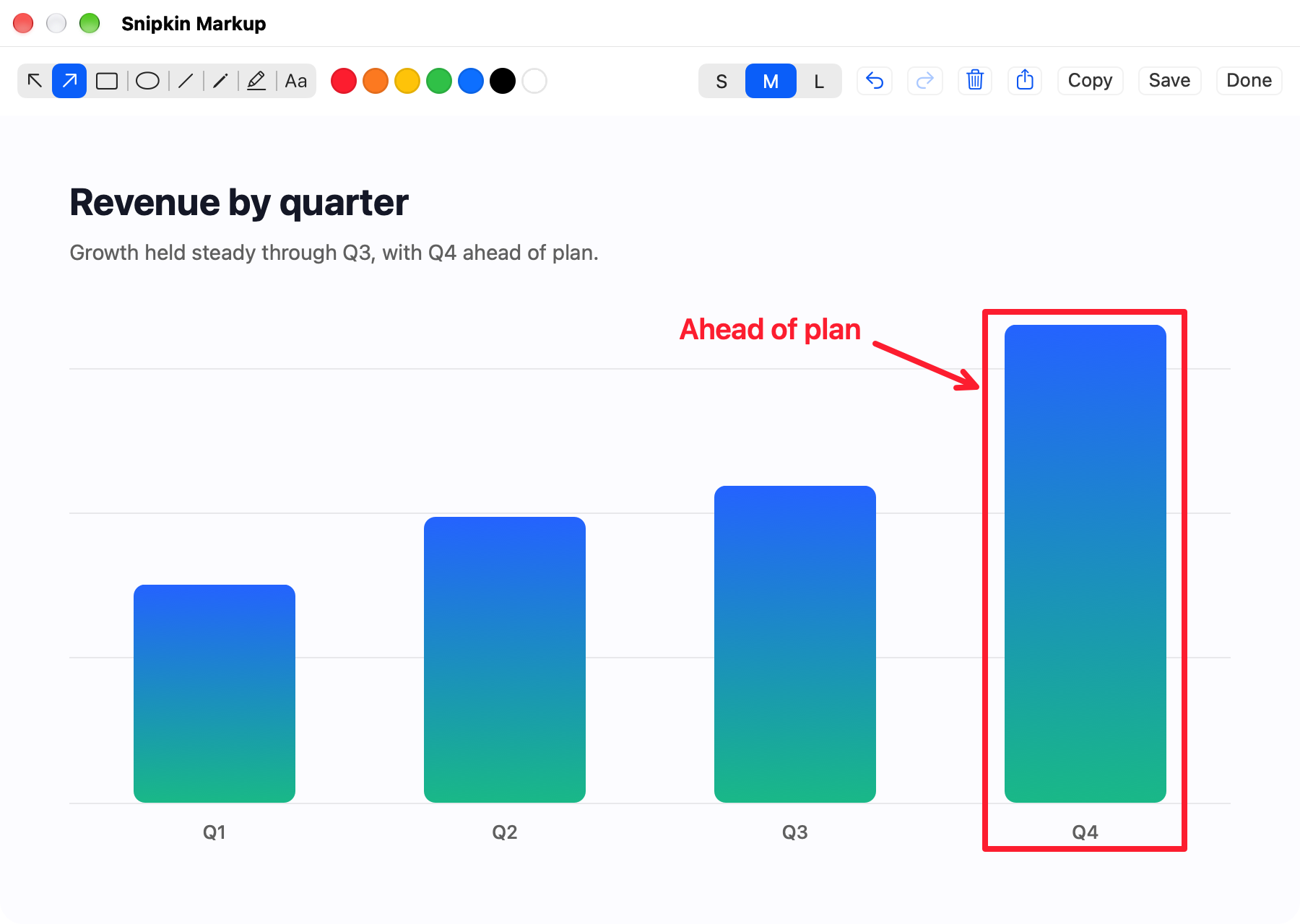
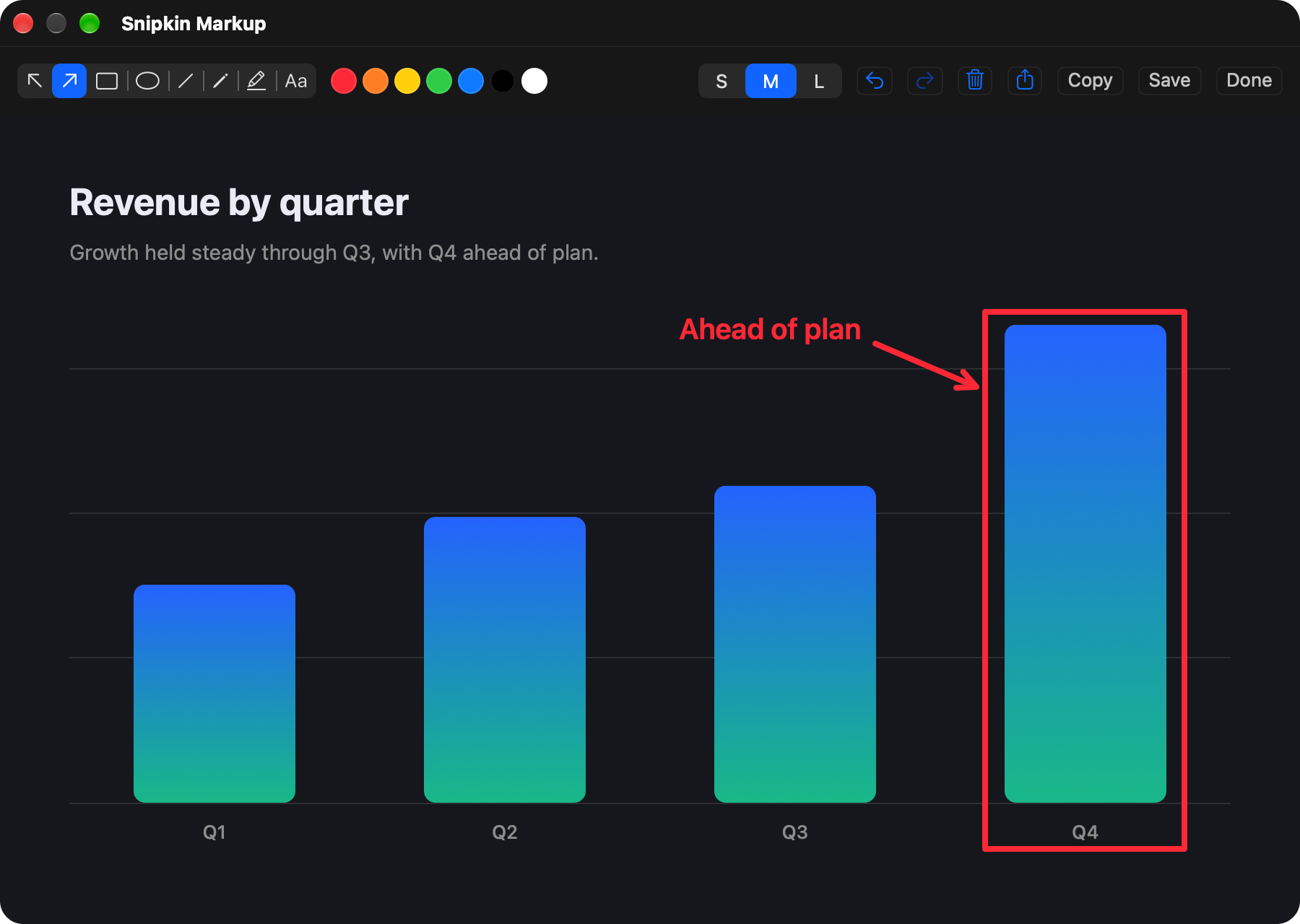
A thumbnail floats in the corner. Click it to open the editor — arrows, boxes, highlighter, and text, with undo/redo. Output is native resolution.

STEP 03

Share

It's already on your clipboard for V. Or save it to your folder, or send it straight through the macOS share sheet.

Built-in markup editor

An editor that opens the instant you need it.

macOS doesn't let apps launch its own markup tool — so Snipkin ships its own. Click the thumbnail and annotate right away, then Copy, Save, or Share.

What you get

Small app. Complete toolkit.

Menu-bar native

No dock clutter. One camera icon, global shortcuts, and optional launch at login.

Straight to clipboard

Copied the instant you capture it — no clicking a floating preview first. Paste straight into Slack, Mail or Figma.

Built on ScreenCaptureKit

Apple's modern capture engine. Crisp Retina output, cursor excluded, multi-monitor ready.

Your folder, your rules

Pick any save folder for timestamped PNGs — or go clipboard-only if you'd rather keep no files.

Window & region

Crosshair region select like Win+Shift+S, or click to grab a single window — with or without its shadow.

Scrolling capture

Select an area, scroll through the page at your own pace, click Done — you get the whole thing as one tall, seamless image. No video.

Private by design

No internet, no analytics, no account. Your screenshots are yours alone.

Privacy

No accounts. No servers. No analytics.

Your screenshots never leave your Mac — there's nowhere for them to go. Snipkin can't reach the internet at all: Apple's own protections keep it sealed to your Mac, and it works exactly the same with your Wi-Fi turned off. It collects nothing, sends nothing, and has no account to sign into.

Sealed to your Mac No internet access No trackers, ever Collects nothing
Pricing
◆ Launch price · until 12 September

Try everything free for 14 days.

Full-screen capture is free forever. The rest unlocks with Pro — after a two-week trial, no account required.

Free
€0 / forever
  • Full-screen capture
  • Auto-copy to clipboard
  • Markup editor & share sheet
  • No account, no ads
Download free
Snipkin Pro — 1 Year · most popular
€15.99 / yearlaunch price12 months + 1 bonus month when bought direct€19.99 / year from 13 September
  • Region & window capture
  • Scrolling capture — full-page shots
  • Every capture mode: area, window, scrolling
  • Unlimited captures, no watermark
  • License code by email, unlocks offline
  • One-time payment — nothing renews automatically
Notify me when checkout opens
Snipkin Pro — Lifetime
€39.99 one-timelaunch pricePay once. Keep it forever.€49.99 from 13 September
  • Everything in Pro
  • All future updates included
  • No subscription, no renewal
Notify me when checkout opens

Buying isn't open yet — the payment provider is finishing my account review. Leave your email above and you'll hear the day it opens.
Don't have Snipkin yet? Download it and use everything free for 14 days in the meantime.

Prices in euro. VAT is calculated at checkout for your country by FastSpring, the merchant of record for the sale.
License codes arrive by email right after purchase and unlock Snipkin offline — no account needed.
Prefer a monthly subscription? It's coming with the Mac App Store version.

Get Snipkin

Ready in seconds. Yours in one click.

macOS 14 Sonoma or later · Apple silicon or Intel · 14-day free trial

Signed with an Apple Developer ID and notarized by Apple — it opens the moment you double-click it. No warnings, no workarounds.

Questions

Good to know.

Is it really private?
Yes. Snipkin has no way to reach the internet, so it physically can't send your screenshots anywhere. No analytics, no account, no telemetry — and it works exactly the same with your Wi-Fi turned off.
Do I need the Mac App Store?
No. You can download the .dmg and install it directly by dragging Snipkin to your Applications folder. A Mac App Store listing is also on the way if you prefer that route.
Which macOS versions are supported?
macOS 14 Sonoma or later, on Apple silicon or Intel — Snipkin ships as a universal binary. It uses ScreenCaptureKit, Apple's modern capture framework.
What happens after the 14-day trial?
Full-screen capture keeps working for free, forever. The markup editor, the floating preview and the share sheet stay free too. To unlock region, window and scrolling capture, grab a yearly license (12+1 months) or a one-time lifetime license. At the launch price, until 12 September, those are €15.99 and €39.99; from 13 September they go to €19.99 and €49.99. Your code arrives by email and unlocks the app offline.
How does scrolling capture work?
Press 4 and select the area you want, then simply scroll through the content at your own pace — Snipkin grabs frames as you go and stitches them into one tall, seamless PNG. Click Done (or press 4 again) when you reach the end. It's a real image, not a video, so it pastes anywhere. Tip: keep sticky headers out of the selection for the cleanest result.
Do you need any special permissions?
Just macOS Screen Recording, which you grant once in System Settings — the same permission every screenshot tool uses. Snipkin asks for nothing else.