Shake mid-drag. Park it.
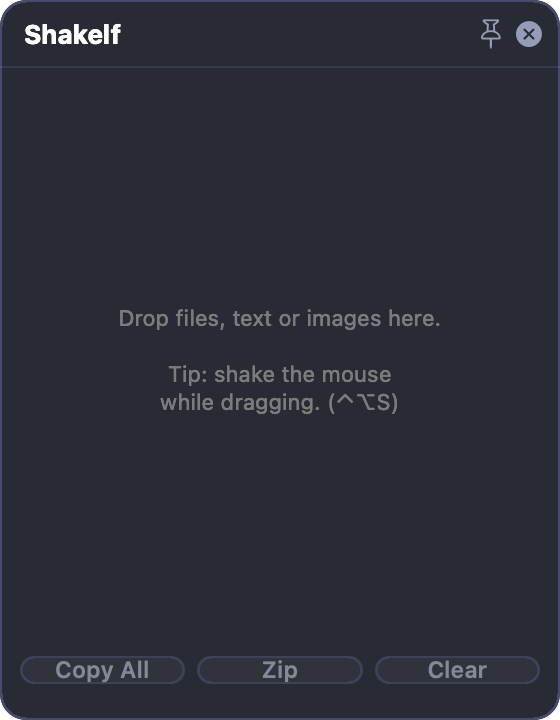
Shake the mouse mid-drag and a floating shelf appears next to the cursor. Drop the file, go find the window, then drag it out when you're ready.
Your mouse stops being a hostage.
A drag on macOS is a held breath: you can't switch spaces or scroll without losing what you picked up. Shakelf gives that drag somewhere to rest.
Shake, and it's there
Start dragging anything, wiggle the mouse, and a shelf appears right at the cursor. No target to aim at, no hotkey mid-drag.
Let go and breathe
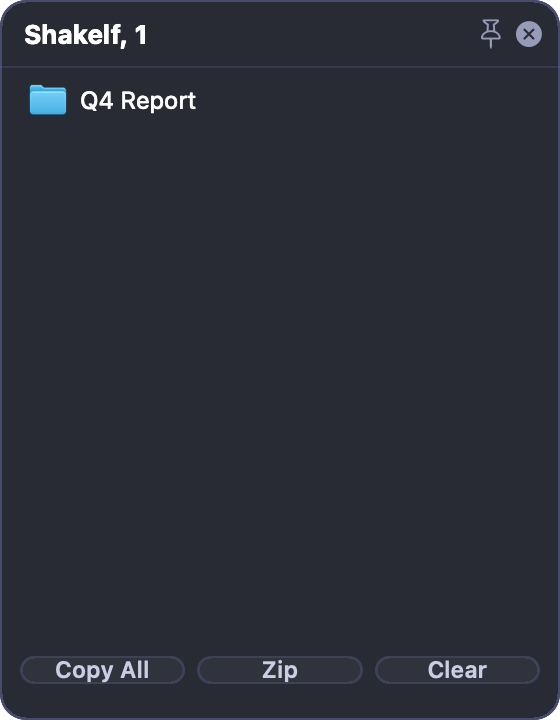
Drop the file and the drag is over. Switch spaces, open folders, take a call. The shelf floats above everything and waits.
Drag out when ready
Pull items out one at a time, or grab the header to take the whole stack. Emptied shelves close themselves.
Drop it, and it waits on the shelf.
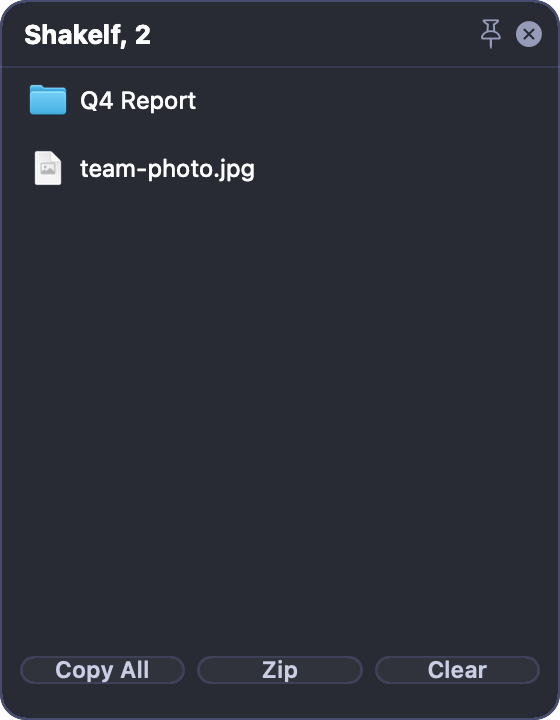
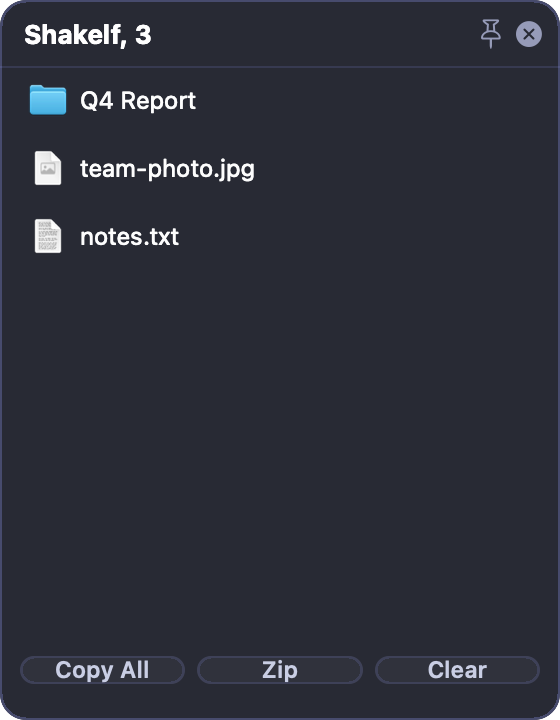
Each item lands with its real icon and name, and the title keeps count. Copy All, Zip and Clear work on the whole shelf at once.
Small app, no busywork.
Anything you can drag
Files, images from a browser, clipboard screenshots, text, links. Raw images become PNGs so they behave like real files.
Up to five shelves at once
One per task, one for later. Shake again for a new one, placed so it never lands on top of the last.
Zip a shelf in place
One click packs the files on a shelf into a single archive, back on the same shelf, ready to drag into an email.
Recent shelves come back
Close a shelf and it joins the last ten, reopenable with one click, and they survive a restart.
English and Romanian
Pick your language in Settings and the whole app switches on the spot, no restart.
Asks for no permissions
No Accessibility prompt, no Screen Recording, no Full Disk Access. You'll never see a permission dialog.
There is nowhere for your files to go.
No server, no account, no analytics, no network code at all. What you park stays on your Mac, the app is sandboxed, so it can only touch the files you hand it.
Swift, zero third-party dependencies, no SDK quietly phoning home.
Signed, notarized, ready when you are.
Two ways to get it, both free: straight from the Mac App Store, or the .dmg below, signed with an Apple Developer ID. Notarized by Apple: no “unidentified developer” warning, only the one-time confirmation macOS shows for any app from the internet. Either way, it only ever touches the files you drop on it.
- Shake-to-open, multiple shelves, drag-out, zip, clipboard shelves
- Recent shelves that survive a restart
- English and Romanian, switchable without a restart
The things you'd ask.
Mac App Store or the .dmg?
Both are the same sandboxed app, both free. The Mac App Store version updates itself; the .dmg is there if you'd rather not go through the store. Pick either.
Will shelves pop up while I'm just selecting text?
No, shake only counts when you're actually dragging something. And you can turn shake off entirely in the menu; shelves still open with ⌃⌥N.
What happens to files sitting on a shelf when I quit?
A shelf holds a reference to where the file already lives, parking never copies it, closing never deletes it. Shelves left open when you quit wait in Recent Shelves, reopenable from the menu with one click.
Does it need Accessibility access like other shake tools?
No. Reading the mouse position needs no permission on macOS, and the shortcuts use an API that doesn't either.
How is this different from just using Finder tabs?
Tabs only hold files. A shelf also takes an image from a web page, a chunk of text, a link, and holds them together across apps.
What will it cost?
Today, nothing, it's free. If it's ever paid, it will be a one-time price with a proper trial, not a subscription.
Which Macs does it run on?
macOS 14 Sonoma or newer, Apple silicon or Intel, a small universal app.